How to Dispose of an Interactive Display in Dubai: Accounts, Wall Mounts and Touchscreen E-Waste
Remove the display from device management, sign out room accounts, wipe its storage, inventory the styluses and computer module, then use approved contractors to take the heavy touchscreen down for reuse or documented e-waste.
An interactive display may store Wi-Fi credentials, cloud logins, browser data and whiteboard files, so IT resets it before the screen leaves the room.
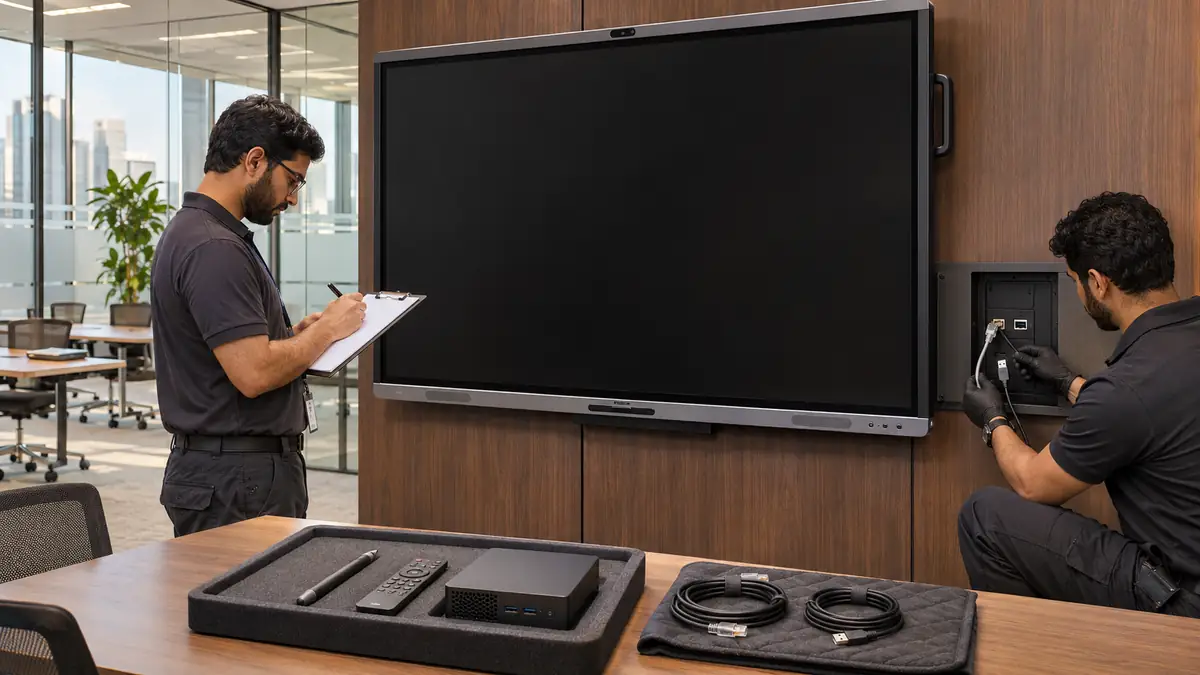
The panel, wall mount, slot-in computer, styluses, remote and touch cables form one system; inventorying them together preserves reuse value.
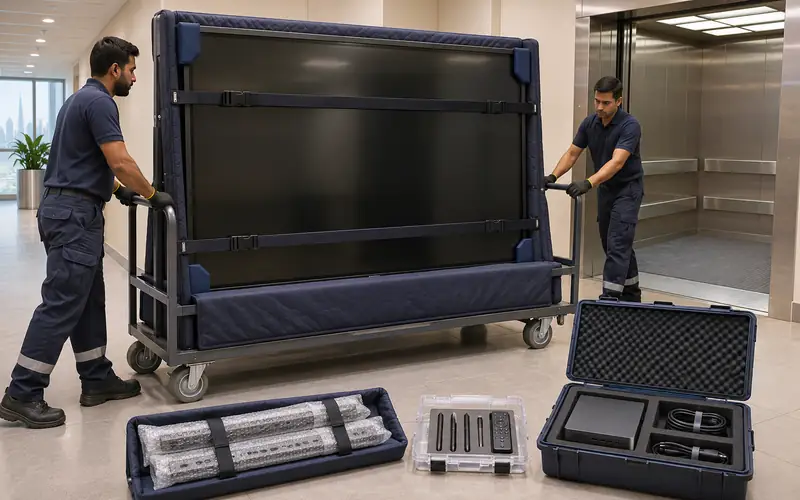
Large touchscreens are heavier and more fragile than ordinary monitors, so an approved team moves them upright on a padded display trolley and makes good the fit-out.
How do you dispose of an interactive display in Dubai?
To dispose of an interactive display in Dubai, remove it from device management, sign out cloud and room accounts, export needed files, and factory reset the panel and slot-in computer. Inventory styluses, remotes and cables, then have approved contractors take down the heavy touchscreen for resale or documented commercial e-waste.
Interactive displays now sit in boardrooms, classrooms and training suites across Dubai. They may look like oversized televisions, but many run their own operating system, join the corporate network and store whiteboard sessions. Disposal therefore starts with IT and the asset register, not with two people lifting the panel off the wall.
Close accounts and preserve required files
Ask the room owner whether whiteboard exports, lesson material or meeting annotations must be retained. Save approved files to the organisation's controlled storage, then sign out collaboration, browser and app accounts. Remove the panel from mobile-device or endpoint management and release any display, classroom or room licence assigned to its serial number.
Factory reset the display using the manufacturer procedure and record the date, serial number and person responsible. If an OPS or other slot-in computer is fitted, treat it as a separate computer: remove it, wipe its drive under the IT policy and record its own serial number. A reset of the screen does not necessarily erase the computer module.
Do not assume a blank home screen means the data is gone
Saved whiteboards, browser sessions, wireless-sharing credentials and files may sit behind separate apps or on a slot-in PC. IT should verify each storage location and management portal before facilities isolates power or the display leaves controlled custody.
Check ownership and inventory the complete system
Confirm whether the display was purchased, leased or supplied under an AV or education-technology contract. Asset tags, invoices and the integrator's handover pack should identify the owner. A leased screen goes back through the provider's return process; it should not enter an office-clearance load simply because the room is being stripped.
Count the styluses, remote controls, wall-mount arms, wireless-sharing dongles, touch USB leads, cameras and speakers. Photograph the rear connections before unplugging them and put small accessories in a parts case tied to the panel's asset number. A working display without its touch cable, pen or proprietary compute module loses much of its resale value.
Take down and transport the touchscreen upright
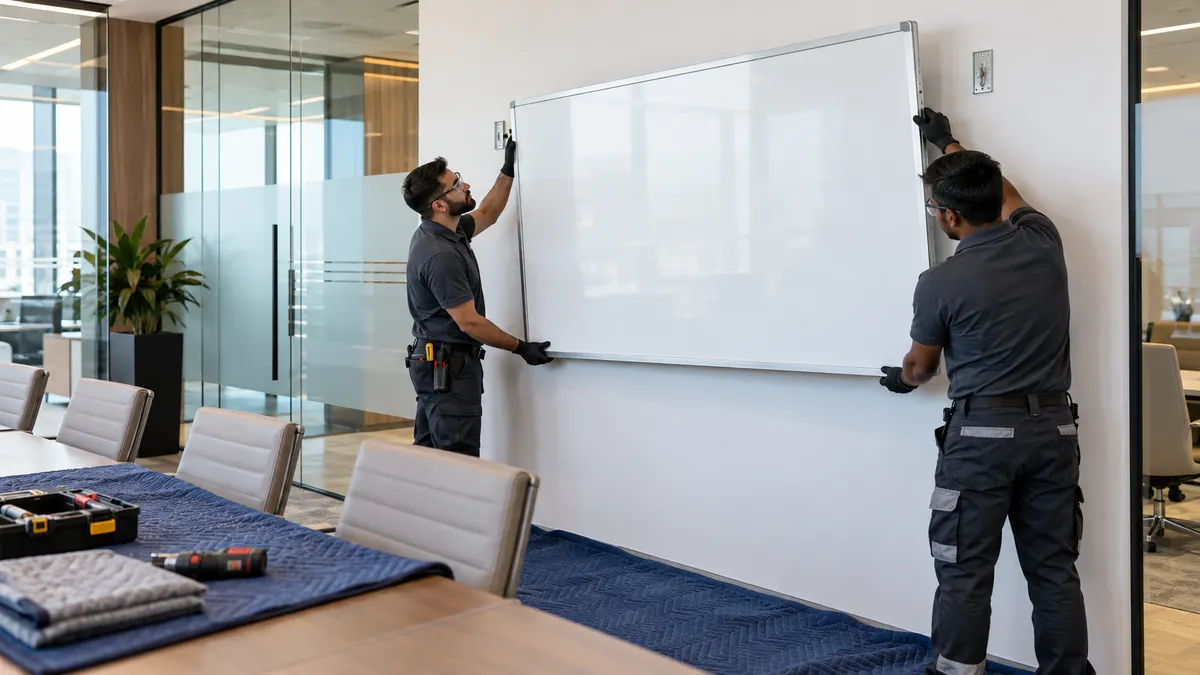
Building management may require a work permit for wall-mounted equipment, particularly where power, data or reinforced backing sits inside a tenant fit-out. Isolate the circuit, disconnect cables and use enough trained people or a rated lifting aid to release the panel from its mount. The mount can spring or shift once the panel weight comes off, so it stays controlled until unbolted.
Protect the entire touch surface, keep the panel upright and secure it to a purpose-built display trolley. Never carry a large screen by its bezel corners or lay it face-down across a conference table. Wrap wall brackets and sharp fasteners separately, then agree whether the bracket, cable box and backing remain for the next tenant or the wall is patched for handover.
The touchscreen stays upright on a padded display trolley while its mount, computer and accessories travel as a separately inventoried kit.
Choose reuse or documented e-waste
Recent 4K panels with responsive touch, current security support and a complete accessory kit can move to another room, school or business. Test every touch zone before listing one and disclose dead pixels, glass damage or obsolete software. A panel with cracked cover glass should stay powered off and be packed to contain fragments.
Is an interactive display just a large office monitor?
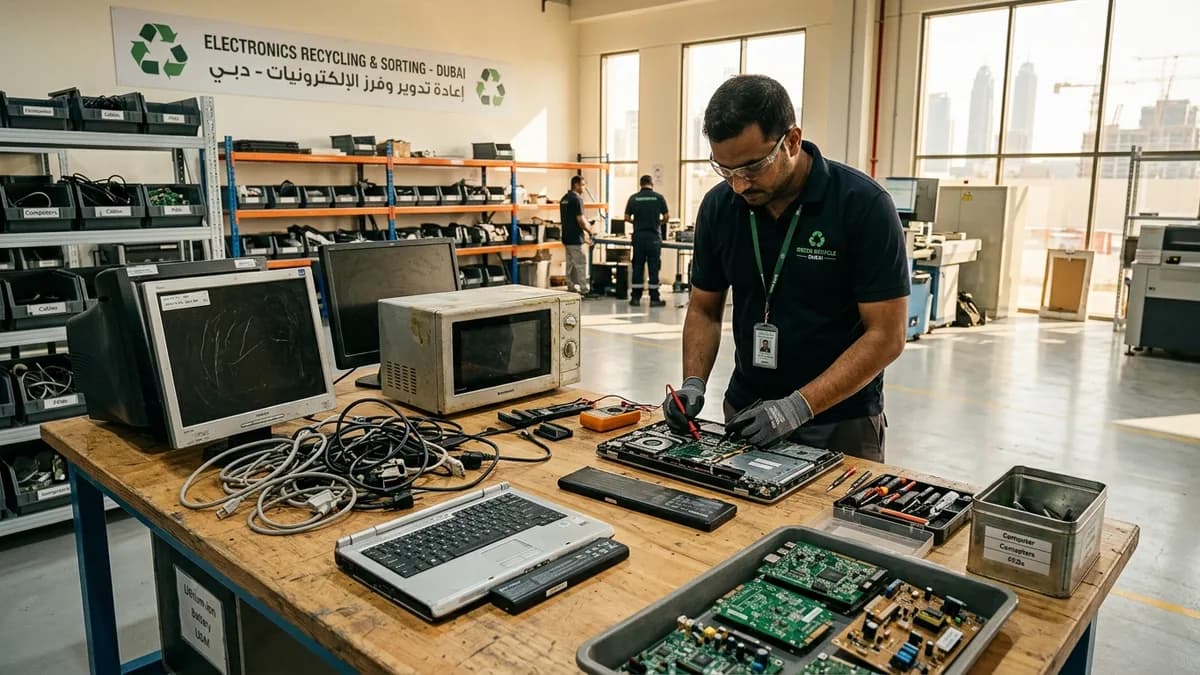
No. It normally adds a touch sensor, embedded operating system, speakers and sometimes a slot-in computer, camera or wireless-sharing module. Those parts create extra data-erasure, inventory and packing work before the display can leave.
Can the wall mount stay for the next tenant?
Only if the landlord agrees and the mount is compatible with the planned replacement. Record that agreement in the handover scope. Otherwise, an approved contractor removes it and makes good the wall, power and cable openings.
What should happen to a cracked touchscreen?
Power it off, do not test touch by pressing the damaged area, and cover the face with rigid card and padding. Tell the collector about the crack so the panel can be contained, kept upright and sent to an appropriate e-waste receiver.
What details help quote interactive-display collection?
Provide the quantity and screen sizes, wall or trolley mounting, floor and service-lift access, and whether IT has reset each panel and computer module. List cameras, soundbars, mounts and other room equipment leaving in the same window.
Planning a clearance in Dubai?
Send photos of what you need cleared on WhatsApp. Our team provides an instant, fixed upfront rate and handles elevator bookings and gate security smoothly.
Tags:#Interactive Display Disposal#Touchscreen Displays#Office IT Disposal#Commercial E-Waste
Dubai Junk Collection Editorial Team
Operations & Pricing Specialists
Specialists in residential and commercial clearances across Dubai since 2016. Committed to safe property handovers, compliant electronic waste disposal, and municipal green waste diversion.
 Ask a Question