How to Dispose of Office Barcode Scanners in Dubai: Pairings, Batteries and Asset Records
Remove scanners from warehouse and device-management systems, clear stored configuration, match each unit to its cradle and adapter, isolate accessible batteries, and document reuse, provider return or commercial e-waste transfer.
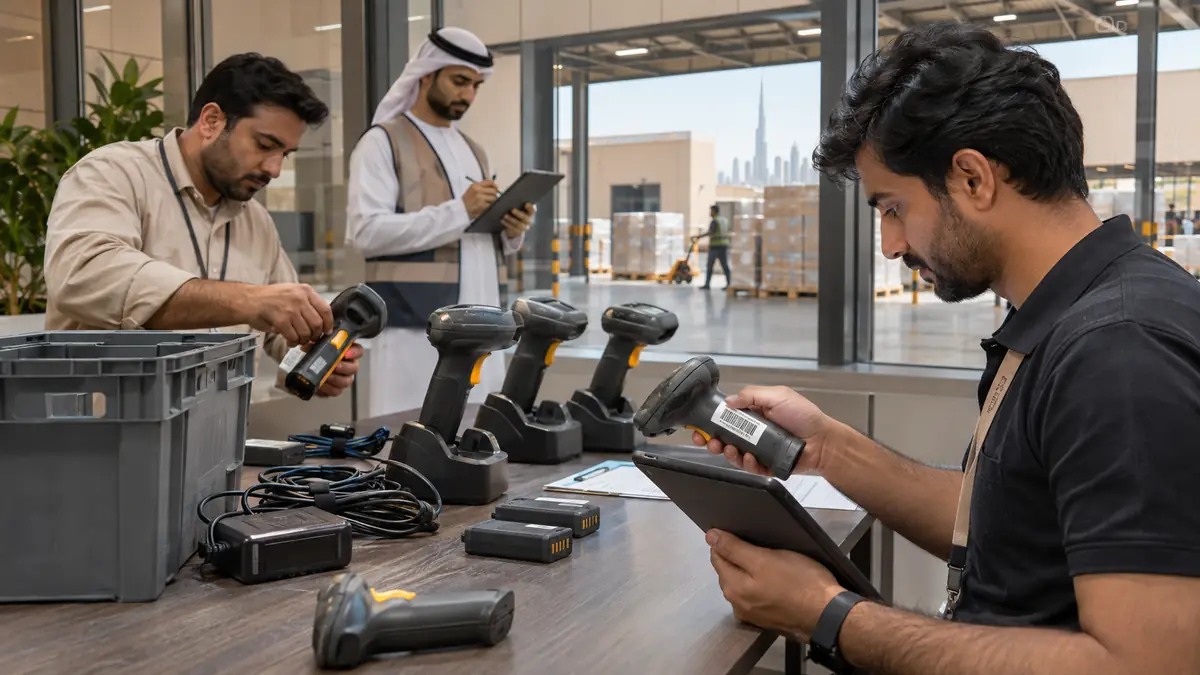
Wireless and rugged scanners may retain network profiles, terminal pairings, application settings or offline scan batches, so the system owner clears them before release.
The scanner, charging cradle, adapter, cable and user-removable battery form one model-specific kit that should remain tied to the asset record.
Leased or vendor-managed units return through the contract; owned failed scanners need a documented commercial e-waste transfer after data and asset sign-off.
How do you dispose of office barcode scanners in Dubai?
To dispose of office barcode scanners in Dubai, stop new scan jobs, export required records, unpair each device and clear stored network or application settings. Match scanners with their cradles, adapters and batteries, verify ownership, then document redeployment, provider return or transfer to an approved commercial e-waste receiver.
A scanner may be a simple wired input device, a Bluetooth handheld paired to a terminal, or a rugged mobile computer with local storage and Wi-Fi. Treating all three as identical peripherals creates gaps: the mobile unit may contain operational or personal data, while a basic scanner may still need licence, asset and battery closure.
Close scan workflows before facilities packs hardware
Ask the warehouse, retail or records owner to stop new assignments and reconcile outstanding transactions. Export only the logs that policy requires, then remove each serial number from the warehouse-management, point-of-sale, inventory or mobile-device platform. Release device licences and revoke certificates, API credentials, Wi-Fi profiles and Bluetooth pairings where the model uses them.
Use the manufacturer's reset procedure and record the reset date, asset tag and responsible person. A factory reset on the handheld does not delete cloud or server records, and deleting a console entry does not prove local data is gone. IT should verify both sides before the equipment crosses the controlled collection point.
Check for offline scan batches
Rugged mobile computers can retain product, shipment, customer or patient identifiers when connectivity drops. The process owner should synchronise or securely discard those batches before reset and keep the required business record in its approved system.
Identify ownership and rebuild each complete kit
Check contracts and asset records before removing labels. Courier, maintenance or managed-warehouse providers may own scanners that sit on your premises, and leased devices need their formal return process. For owned equipment, photograph the serial number and condition, then match the correct cradle, adapter, USB lead, trigger accessory and spare battery.
Do not mix look-alike power supplies. Voltage, polarity and cradle contacts can differ between generations. Clean the scan window with the maker-approved method, not an abrasive pad, and disclose cracked housings, unreliable triggers or unreadable screens. Keeping complete kits together gives a supported working model the best chance of redeployment.
Make batteries and packing safe for the service route
Power down each unit. Remove a user-accessible battery only as the manual directs, cover its terminals and keep it away from loose metal. Do not open sealed scanner bodies or continue charging a hot, swollen, leaking or physically damaged pack. Isolate a suspect battery away from heat and combustible material and obtain battery-specific instructions from the receiving contractor.
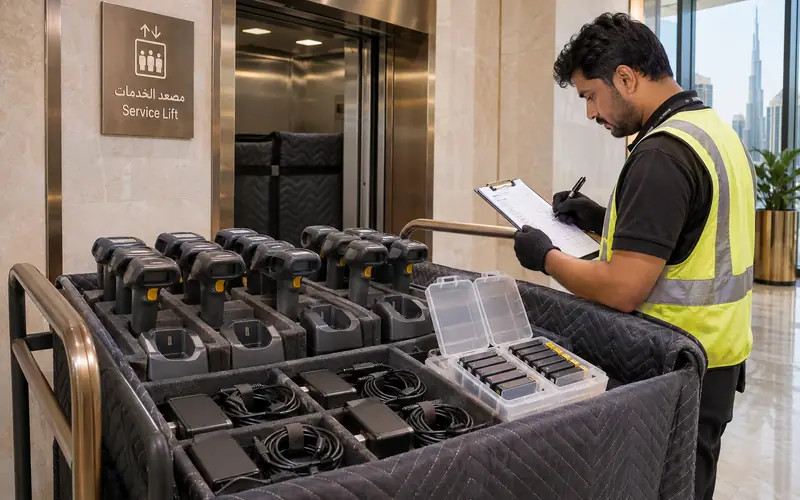
Use padded dividers so scan windows and screens cannot strike one another. Put every cradle and adapter in the same numbered compartment as its scanner, and maintain a count at packing, loading and receipt. Book the commercial building's service lift and loading bay so a controlled e-waste cart never waits unattended in a public lobby.
Numbered compartments preserve each complete scanner kit and make the custody count visible at collection and receipt.
Record redeployment, return or e-waste receipt
Test supported equipment with non-sensitive sample data after reset. Confirm the trigger, scan engine, screen, radios, cradle and battery charging, then update the asset owner and new location. Failed or unsupported devices should leave through a commercial e-waste receiver with a quantity and transfer record consistent with the organisation's disposal policy.
Do barcode scanners store personal or business data?
Some do. A basic wired scanner may behave like a keyboard, while wireless and rugged models can retain pairings, network profiles, application configuration and offline scan records. Check the exact model and connected platform, preserve required records, then verify both local reset and management-system removal before release.
Can scanner batteries stay inside during collection?
A sound battery may stay installed if the manufacturer and receiving contractor allow it and the scanner is protected from accidental activation. User-removable packs are often easier to count separately with covered terminals. Swollen, hot, leaking or damaged batteries need immediate isolation and receiver-specific handling instructions.
Should asset labels be removed before e-waste pickup?
Keep the asset tag visible until the custody count and disposal approval are complete. After reconciliation, follow company policy for defacing or removing identifiers that should not leave the organisation. Never remove a provider's ownership label from leased or managed equipment before its return status is confirmed.
What details help quote barcode-scanner collection?
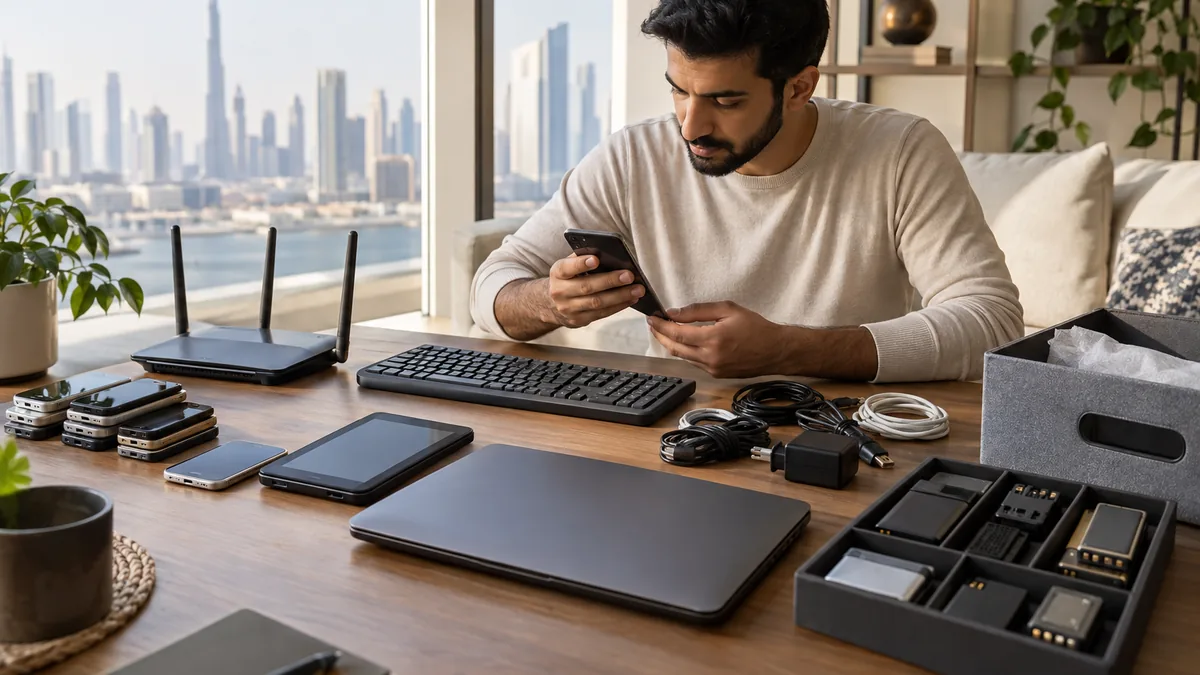
Provide quantities and model types, wired or wireless status, ownership, battery condition, floor and loading access, and whether IT has reset and released every device. List cradles, adapters, rugged terminals, label printers and other warehouse electronics included in the same collection window.
Planning a clearance in Dubai?
Send photos of what you need cleared on WhatsApp. Our team provides an instant, fixed upfront rate and handles elevator bookings and gate security smoothly.
Specialists in residential and commercial clearances across Dubai since 2016. Committed to safe property handovers, compliant electronic waste disposal, and municipal green waste diversion.
 Ask a Question