How to Dispose of a Wi-Fi Router and Modem in Dubai: Accounts, Data and E-Waste
Confirm whether the provider owns the equipment, migrate the connection, remove account links, reset stored configuration and send the device through an electronics route.
Ask the telecom provider whether the router, modem, ONT or TV box must be returned before treating it as your equipment.
Move the connection first, remove account and app links, then follow the exact model instructions to erase configuration and restore factory settings.
Keep power adapters and mesh nodes labelled, remove loose batteries and route unwanted network equipment through electronics reuse or recycling.
How do you dispose of a Wi-Fi router or modem in Dubai?
To dispose of a Wi-Fi router or modem in Dubai, first confirm whether the telecom provider owns it or requires a return. Migrate your connection, remove account and app links, back up only needed settings, follow the model's factory-reset instructions, label matching power supplies, and use an approved electronics reuse or recycling route.
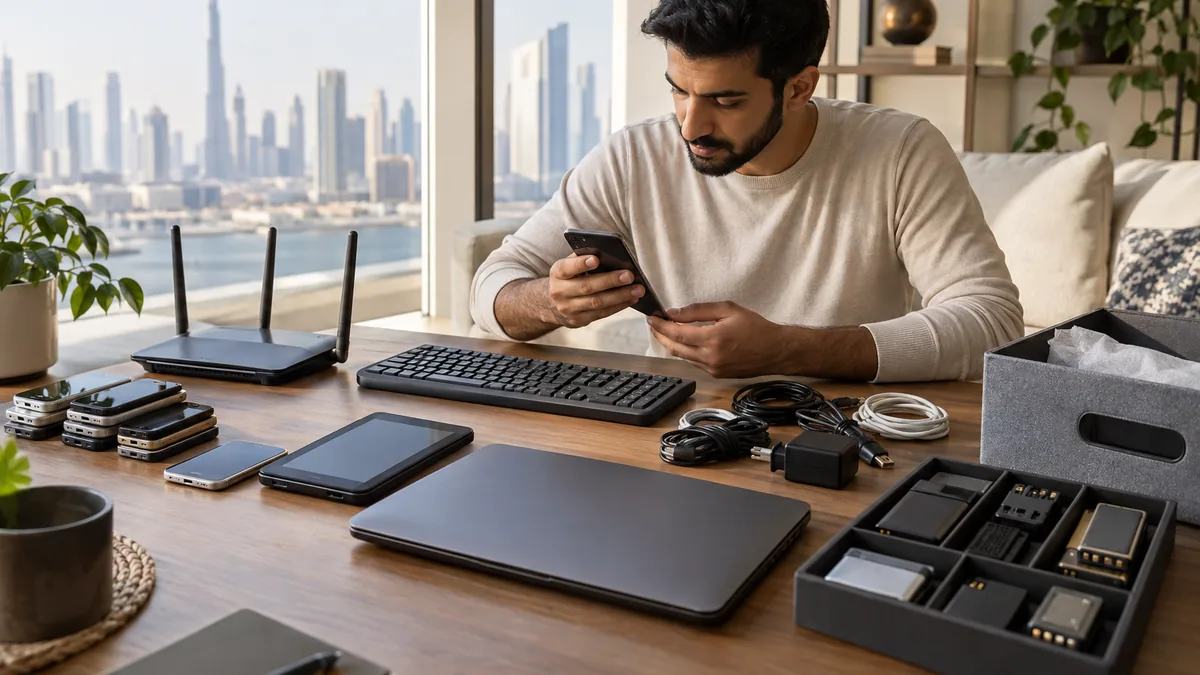
Unplugging is not the same as decommissioning. A network device can retain Wi-Fi names, administrative settings, logs, certificates or provider provisioning. It may also be one part of a set that includes an optical network terminal, mesh nodes, a telephone adapter or television box with separate return terms.
Separate provider equipment from devices you own
Check the installation receipt, account portal and labels on every box before clearing the cabinet. Ask the provider which serial-numbered devices must be returned and where. Do not remove fibre connectors, fixed wall boxes or building distribution equipment just because the Wi-Fi service has ended; an apartment handover may require those components to remain.
Photograph the connections before migration and label the router, power adapter, mesh nodes and Ethernet cables as a set. Once the new service is working, cancel or transfer the old account and remove the device from its management app. Return provider-owned items through the specified channel and retain the receipt or reference number.
A reset cannot fix an unfinished provider return
Factory-resetting a leased router does not transfer ownership or close the account. Confirm the provider's return requirement first so a missing device charge does not appear after move-out.
Erase configuration before reuse or recycling
Use the manufacturer's instructions for the exact model. Record anything required for the replacement connection, sign out of cloud management, revoke remote administration or certificates where applicable, and then perform the documented erase or factory reset. A button press varies by device, so verify that the unit restarts in its initial setup state instead of assuming the lights prove a reset.
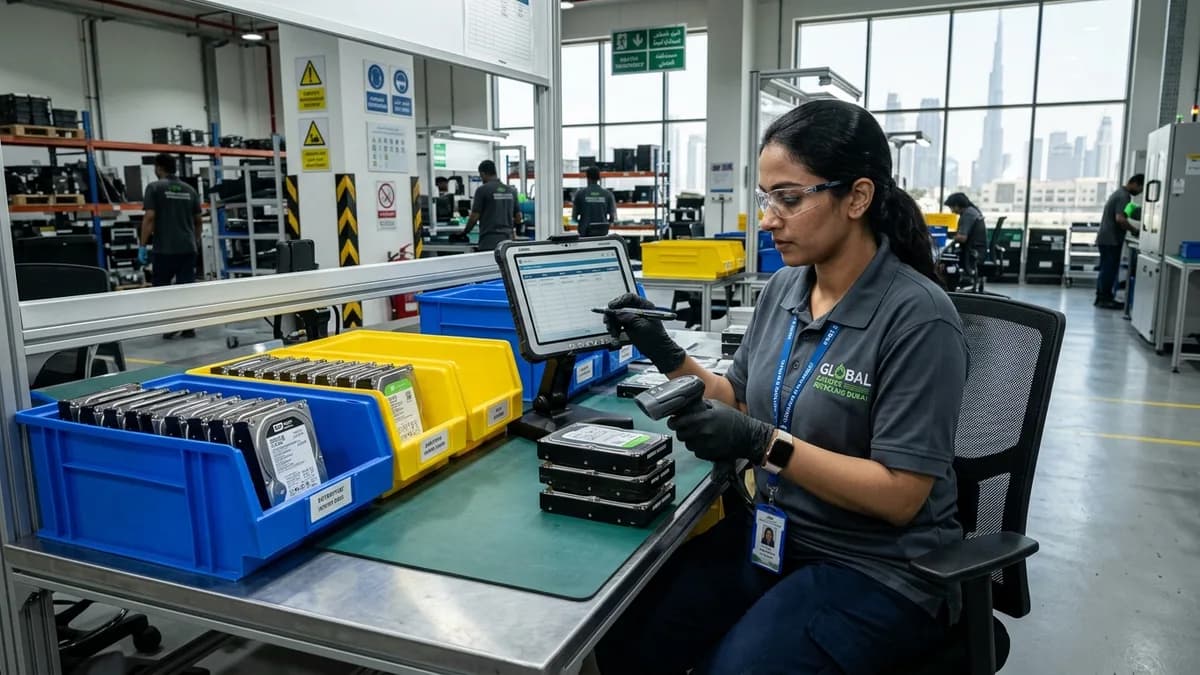
For business routers, firewalls and managed access points, let the IT owner export required records, revoke credentials and document sanitization before release. The UK National Cyber Security Centre advises wiping configuration data, resetting network devices and revoking associated credentials as general disposal precautions. Higher-risk equipment may require the organization's formal sanitization process rather than a consumer reset.
Keeping adapters and components together helps working network equipment qualify for reuse before material recycling.
Choose reuse for supported devices and e-waste for the rest
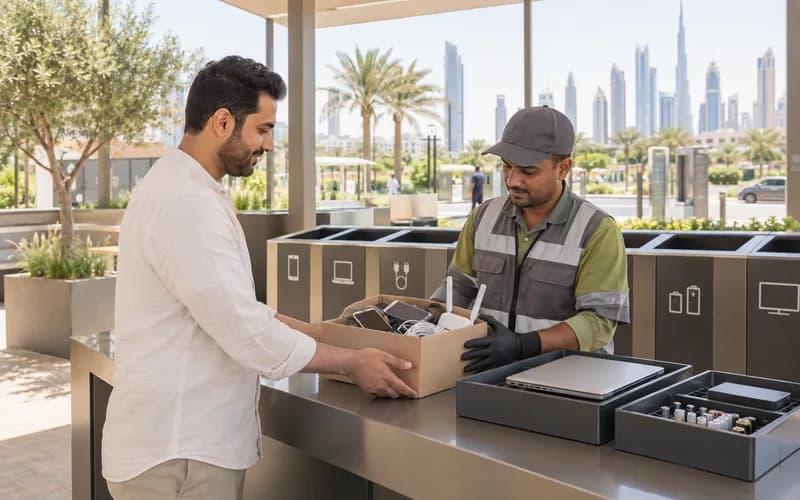
A personally owned router can be reused if it powers on, receives security updates, supports current encryption and has no damaged cable or swollen backup battery. Give the next owner its correct adapter and clean setup instructions, not your old password. Separate removable batteries and do not place the equipment in a household rubbish chute.
Do internet providers in Dubai take old routers back?
Return rules depend on the provider, contract and device type. Check the account and contact the provider with the serial number before recycling anything. Keep proof of return, especially for a modem, optical terminal, TV box, telephone adapter or mesh unit supplied during installation.
Does a factory reset remove my Wi-Fi password?
A correct model-specific factory reset normally clears the user configuration, including the customized network name and password, but verification matters. Follow the manufacturer's instructions and confirm that the device returns to its initial setup screen or default state before it leaves your control or enters reuse.
Can I donate an old router?
Yes, if you own it, it is still supported, uses current security standards, has been reset and includes the correct power adapter. Do not donate provider-locked equipment or a device that can only use obsolete Wi-Fi protection; disclose any intermittent ports or power faults.
What should I do with a router that has a backup battery?
Remove the battery only through the user-accessible compartment and protect its terminals. A swollen, leaking or hot battery needs a specialist battery route and should not travel loose with cables or general e-waste. Keep it away from heat, and do not puncture or compress it.
Planning a clearance in Dubai?
Send photos of what you need cleared on WhatsApp. Our team provides an instant, fixed upfront rate and handles elevator bookings and gate security smoothly.
Specialists in residential and commercial clearances across Dubai since 2016. Committed to safe property handovers, compliant electronic waste disposal, and municipal green waste diversion.
 Ask a Question